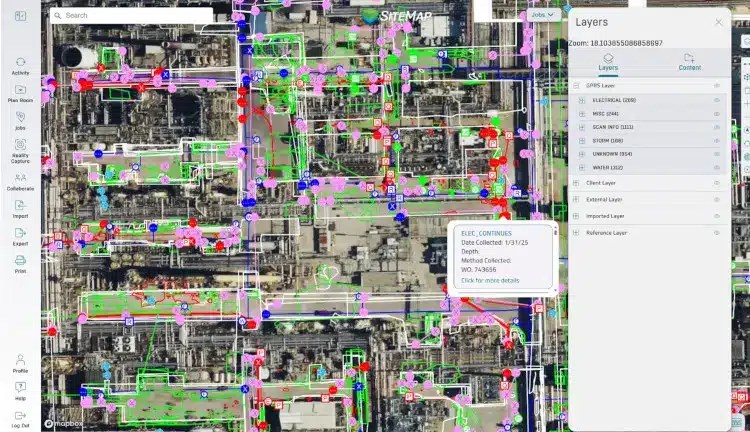
 GPRS Private Utility Locating Costs Explained When it comes to the cost of utility locating, the most important thing to know is this: with GPRS, you only pay for what you need, and investing in accurate utility locating services saves you far more than it costs. You...
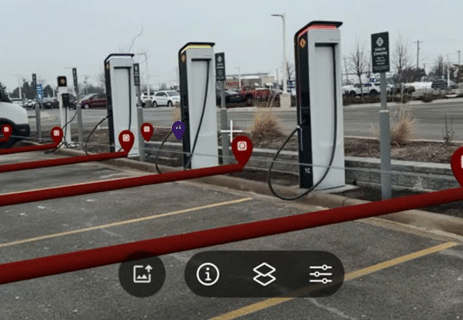 Privately owned and publicly operated EV charging stations continue to populate nationwide. Whether they are commercial EV charging stations owned by businesses or public charging stations owned by local governments, EV charging adoption is growing rapidly. In 2016,...
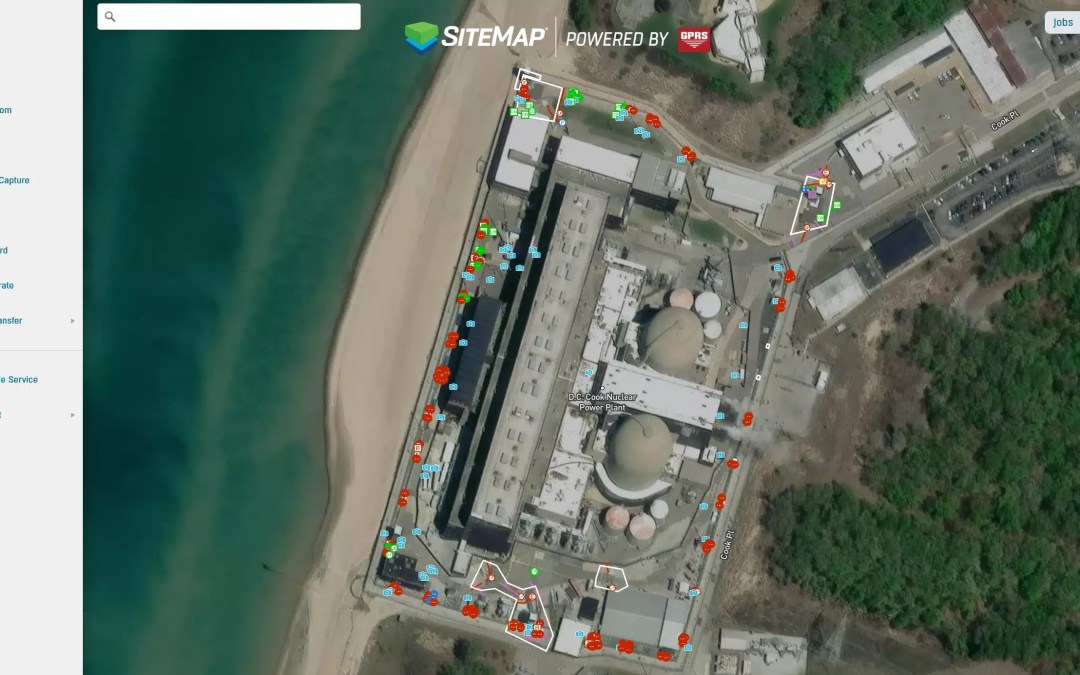 Utility Locating for Power Plant Security Fence Installation When a nuclear power plant plans to install a new security fence, accuracy beneath the surface matters just as much as the precision above it. At a power plant on the coast of Lake Michigan, a general...
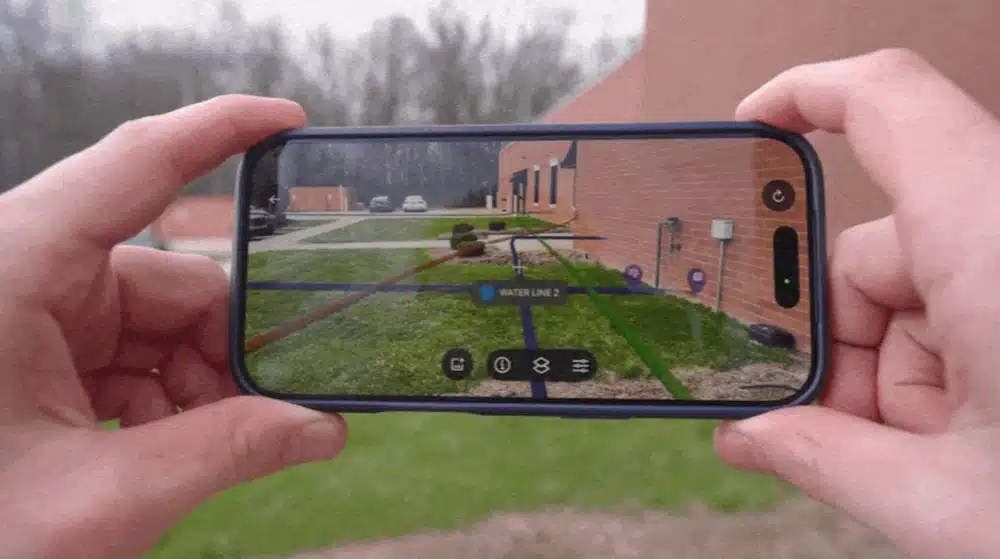 From Paper Plans to Clear Action Facility teams, contractors, and project managers need quick access to accurate site information. However, many organizations still store records in multiple locations. Some plans are stored on paper in a dark basement. Some are saved...
 “We didn’t know you did that,” is a phrase we at GPRS hear daily. We get it; our services have evolved and expanded over the years, and it can be hard to keep track of them all. So we’ve created this explainer to answer the question, “What, exactly does GPRS...
Cookies Settings
